


Excel is no longer limited to rows and columns inside spreadsheets. In today’s digital ecosystem, Excel data constantly moves between different formats such as CSV, JSON, and Python. Developers, analysts, accountants, students, and business users all face the same challenge how to convert Excel files online accurately without breaking data or wasting time.
Manual conversion methods often lead to missing values, broken structures, encoding issues, and unreadable files. That is why online Excel conversion tools have become essential. They allow users to convert Excel files into multiple formats and back again while maintaining data accuracy and structure.
This guide explains how to convert Excel files online (CSV, JSON, Python & more), which tools to use, why each tool exists, and which one is best for your specific need.
Why Converting Excel Files Online Is Important Today
Modern systems rarely work with Excel alone. Data often needs to move between:
- Excel and databases
- Excel and programming environments
- Excel and Advance features
- Excel and reporting tools
Without proper conversion, data becomes unusable. Online Excel converters eliminate compatibility issues and ensure that data remains structured, readable, and system-ready.
Common Problems Faced During Excel File Conversion
Many users underestimate how complex file conversion actually is. Common issues include:
- Columns shifting during conversion
- Data types changing unexpectedly
- Special characters breaking files
- Large datasets failing to convert
- Loss of formatting or structure
Online Excel conversion tools are designed specifically to prevent these problems by following format rules correctly.
The Right Way to Convert Excel Files Online (Correct Order Matters)
Not every conversion starts or ends with Excel. Depending on your workflow, you may need to convert to Excel or from Excel.
Here is how each tool fits into the process.
First Tool: CSV to Excel Converter (Best for Raw & Exported Data)
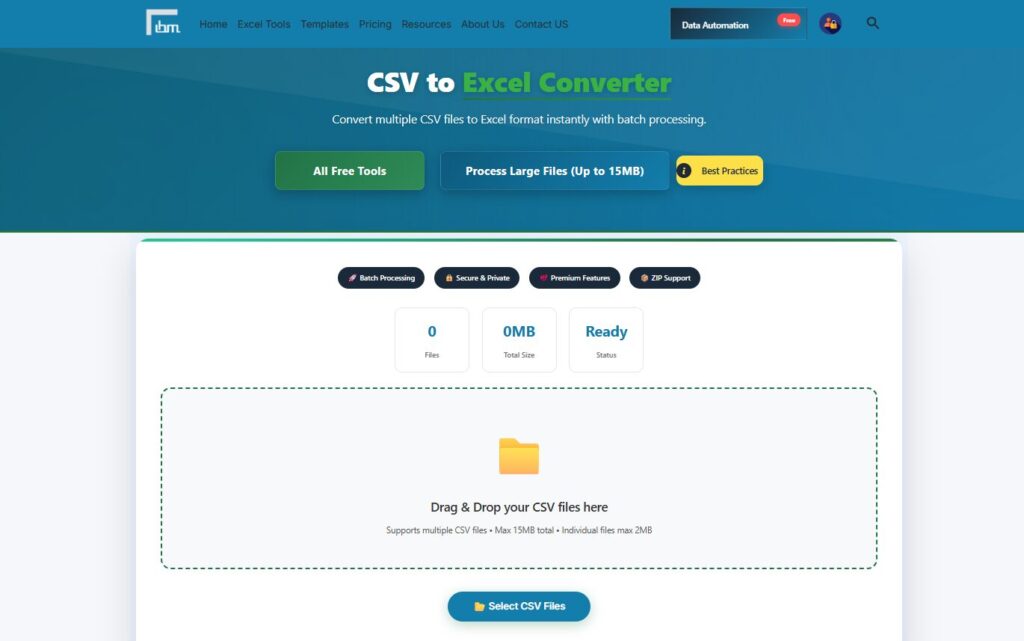
CSV files are one of the most common data formats, especially for exports from systems, websites, and databases. However, CSV files are difficult to read, edit, and analyze properly without Excel.
Why This Tool Is Used
CSV files:
- Do not support formatting
- Are hard to validate visually
- Cannot use formulas directly
This tool converts CSV files into structured Excel sheets instantly.
What This Tool Does Best
- Converts CSV into readable Excel format
- Preserves column structure
- Makes data analysis easy
Best For
- Accountants
- Data analysts
- Business users
- Anyone working with exported system data
Why It Matters: Excel is far more powerful than CSV when it comes to analysis and reporting.
Second Tool: Excel to JSON Converter (Essential for Developers & APIs)
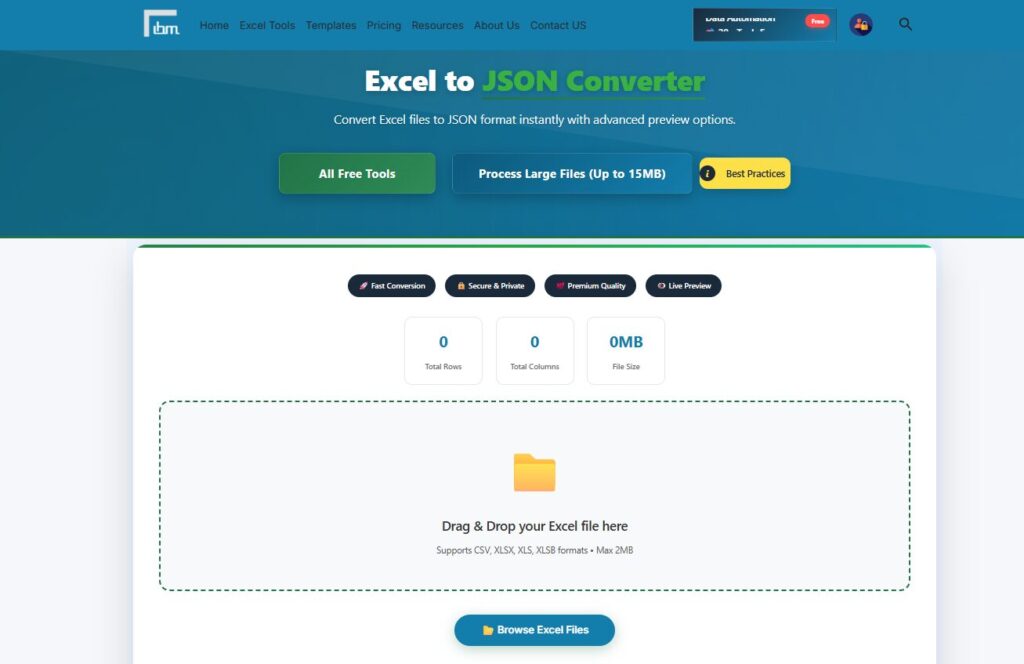
JSON is widely used in web development, APIs, and data exchange between applications. Excel data must often be converted into JSON before it can be used programmatically.
Why This Tool Is Used
Manual Excel-to-JSON conversion:
- Breaks structure
- Causes key-value mismatches
- Leads to invalid JSON
This tool automates the conversion safely.
What This Tool Does Best
- Converts Excel rows into JSON objects
- Maintains hierarchical structure
- Ensures valid JSON output
Best For
- Developers
- API integrations
- Web applications
- Backend systems
Key Benefit: Saves development time and avoids syntax errors.
Third Tool: JSON to Excel Converter (Best for Human Readability)
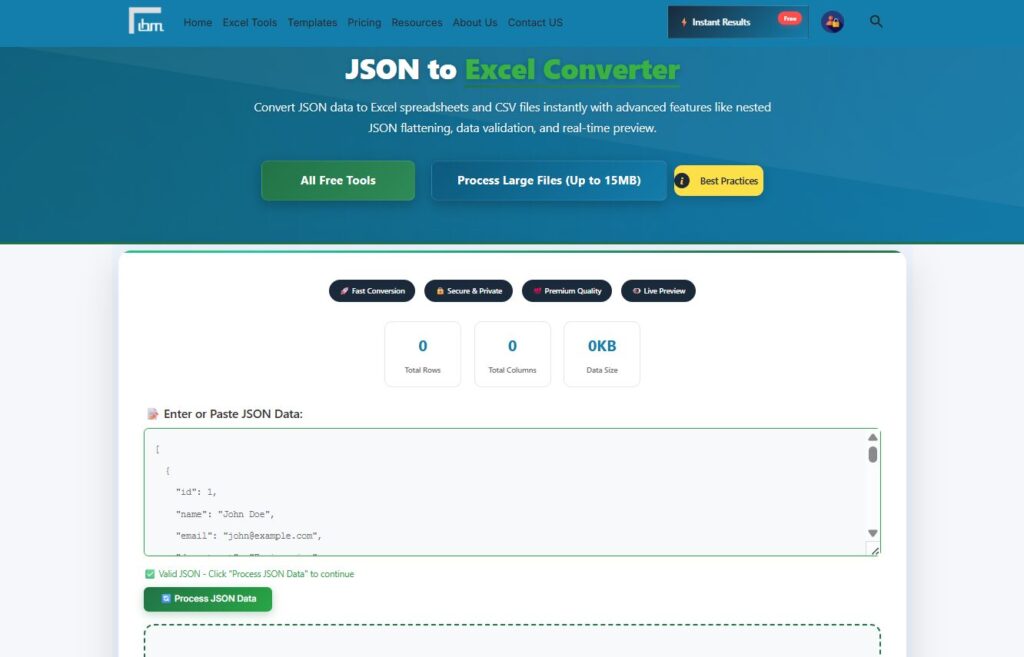
JSON files are machine-friendly but human-unfriendly. When teams need to review, audit, or analyze JSON data, Excel becomes necessary.
Why This Tool Is Needed
JSON data:
- Is hard to read manually
- Cannot be filtered easily
- Is not suitable for business users
This tool converts JSON into clean Excel tables.
What This Tool Does Best
- Transforms JSON into rows and columns
- Makes data editable and readable
- Simplifies analysis
Best For
- Analysts
- QA teams
- Business managers
- Non-technical users
Result: Complex JSON becomes simple Excel data.
Fourth Tool: Python to Excel Converter (Perfect for Data Science Workflows)
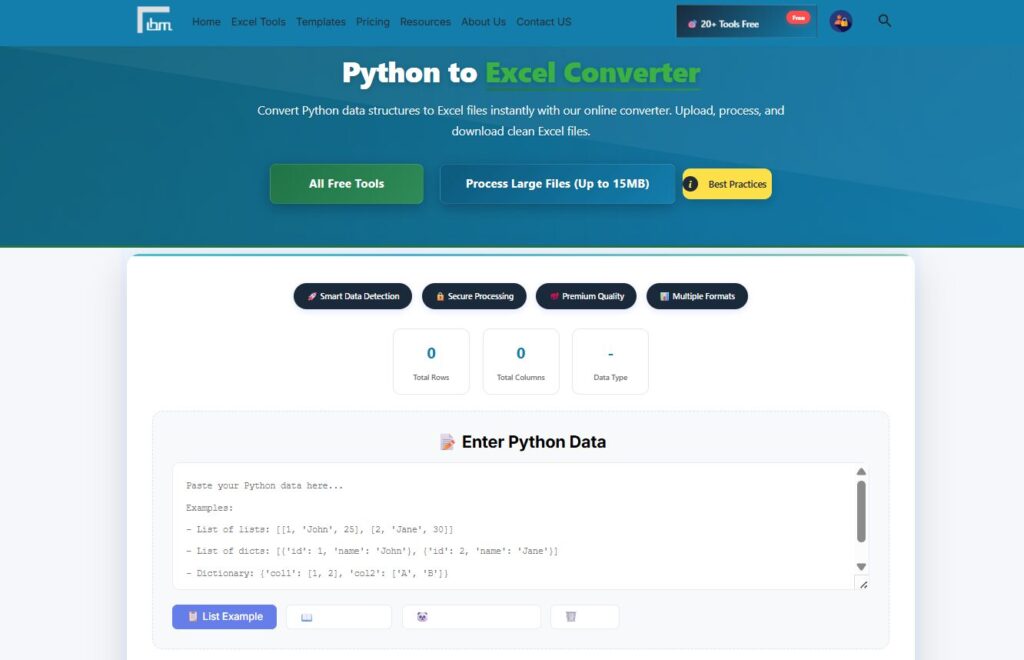
Python is widely used for data processing, automation, and analytics. However, final results often need to be shared in Excel format.
Why This Tool Is Important
- Not business-friendly
- Difficult for non-developers to access
This tool bridges the gap between Python and Excel.
What This Tool Does Best
- Converts Python data structures into Excel
- Maintains tabular integrity
- Makes outputs shareable
Best For
- Data scientists
- Analysts
- Automation workflows
- Reporting pipelines
Major Advantage: Allows technical work to be shared with non-technical teams.
Fifth Tool: Number to Words Converter (Critical for Financial Accuracy)
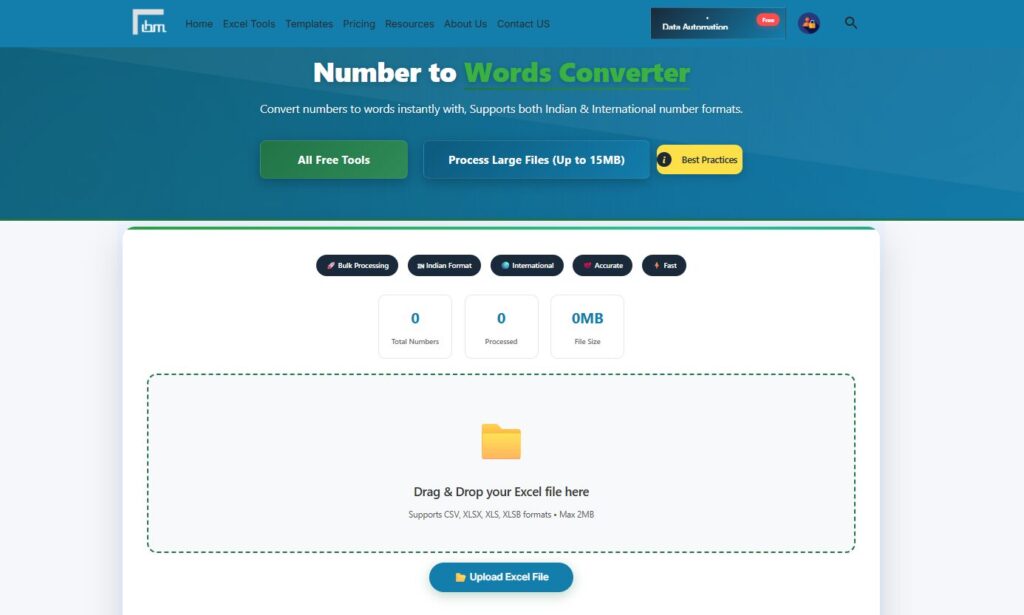
Though not a file-format converter, this tool plays a crucial role in Excel-based documentation.
Why This Tool Is Included
Many financial documents require numbers to be written in words to:
- Avoid fraud
- Improve clarity
- Meet legal requirements
What This Tool Does Best
- Converts numeric values into words
- Reduces manual errors
- Ensures consistency
Best For
- Invoices
- Cheques
- Financial reports
- Legal documents
Why It Matters: Small mistakes in financial wording can lead to serious issues.
Which Excel Conversion Tool Is Best Overall?
There is no single best tool for all situations. The best tool depends on your goal:
- Best for system exports: CSV to Excel Converter
- Best for API integration: Excel to JSON Converter
- Best for analysis: JSON to Excel Converter
- Best for technical workflows: Python to Excel Converter
- Best for finance: Number to Words Converter
Best Practice: Use the right tool for the right conversion never force Excel to handle formats manually.
Why Online Excel Converters Are Better Than Manual Methods
Manual conversion:
- Is time-consuming
- Causes formatting issues
- Requires technical knowledge
Online tools:
- Are faster
- Reduce errors
- Work instantly
- Require no coding
This makes them ideal for beginners and professionals alike.
Final Conclusion
Excel does not work in isolation anymore. It connects with CSV files, JSON data, Python outputs, and financial documents every day.
By using the right tools to convert Excel files online (CSV, JSON, Python & more), you:
- Avoid costly errors
- Save time
- Improve accuracy
- Make data universally usable
These tools turn Excel into a true data hub—flexible, reliable, and future-ready.

![COUNTIF Formula Excel – Count Cells with Criteria [Complete Guide]](https://ibusinessmotivation.com/wp-content/uploads/2026/03/COUNTIF-Formula-Excel-–-Count-Cells-with-Criteria-Complete-Guide-1024x576.jpg)