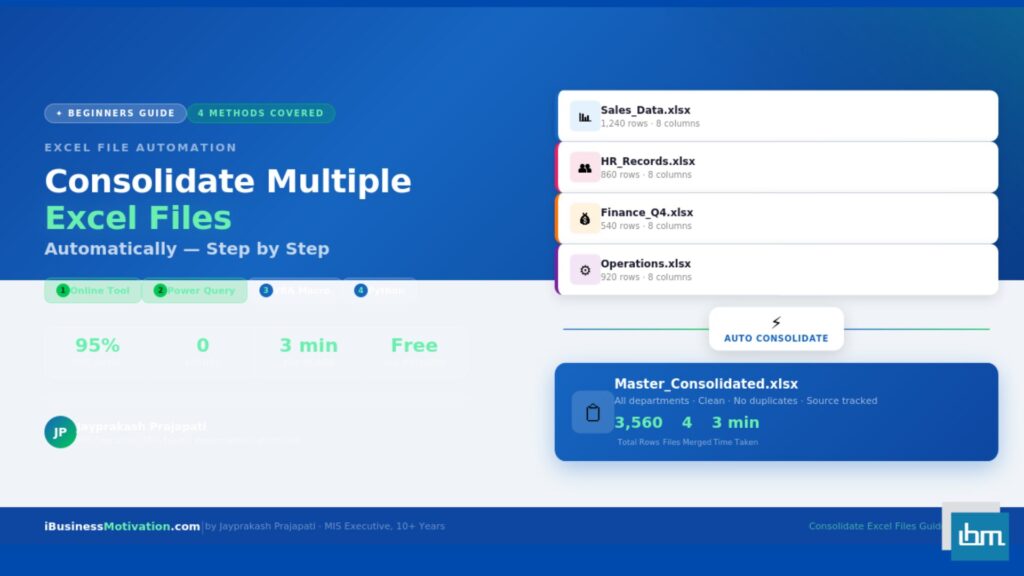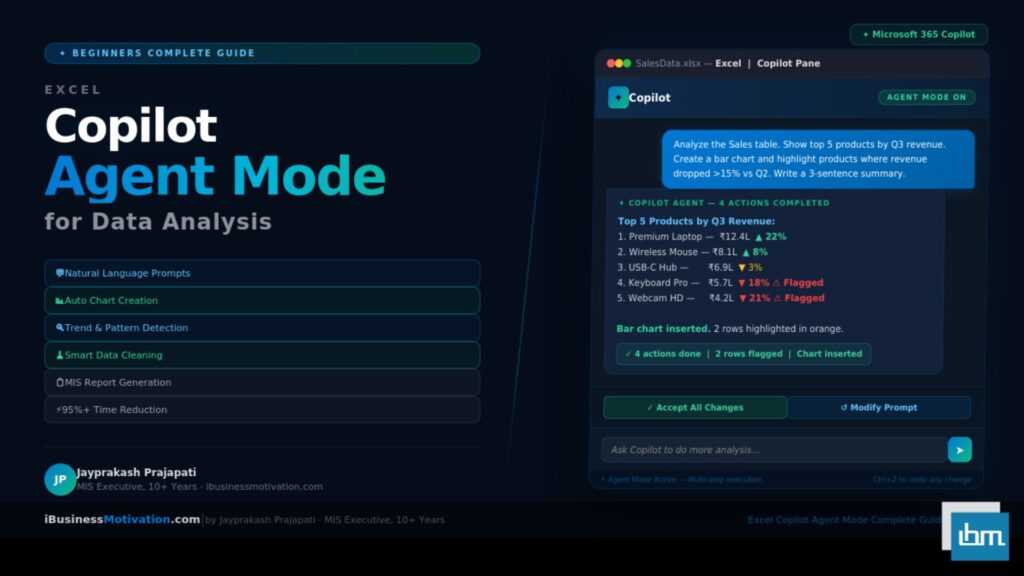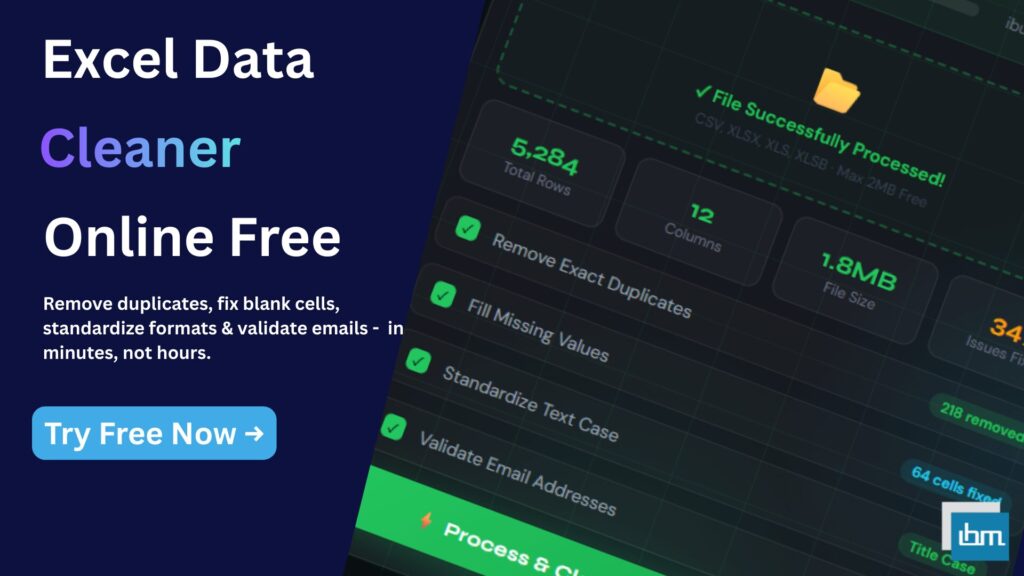




As businesses grow, Excel files also grow in size, complexity, and importance. What starts as a simple spreadsheet often turns into massive datasets with multiple sheets, thousands of rows, and critical business information. At this stage, basic Excel functions are no longer enough. Businesses need advanced Excel tools for business & large data to manage, analyze, transform, and optimize information efficiently.
Manual handling of large Excel files increases the risk of errors, slows down productivity, and creates operational bottlenecks. This is why modern businesses rely on specialized Excel tools that automate complex tasks, improve performance, and make data usable at scale.
In this guide, you will understand six powerful advanced Excel tools, why they are needed, how they solve real business problems, and which tool is best for specific large-data scenarios.
Why Businesses Need Advanced Excel Tools for Large Data
Large datasets introduce challenges that normal Excel usage cannot handle easily. Files become slow, formulas take longer to calculate, and manual operations increase the risk of mistakes. Decision-making also suffers when data is scattered across multiple sheets or files.
Advanced Excel tools help businesses by:
- Managing large datasets efficiently
- Improving performance and speed
- Automating repetitive data tasks
- Making data analysis simpler and clearer
- Reducing dependency on complex formulas
These tools are not replacements for Excel they enhance Excel’s power for professional and business use.
The Right Way to Use Advanced Excel Tools (Process Matters)
To work effectively with large Excel data, tools should be used based on the problem type, not randomly. Some tools help organize data, some analyze it, while others optimize file performance.
The tools discussed here fall into six functional categories:
- Splitting and structuring data
- Business analytics and visualization
- Forecasting and planning
- Data transformation and preparation
- File separation and distribution
- File size optimization
Let’s understand each tool clearly.
First Tool: Excel Worksheet Split Tool – Managing Large Sheets Easily

Large worksheets with thousands of rows are difficult to manage, review, and share. The Excel Worksheet Split Tool solves this by dividing a large worksheet into smaller, logical parts without damaging data integrity.
Why This Tool Is Important for Business
When data grows too large in a single sheet, Excel becomes slow and error-prone. Splitting worksheets improves performance and makes data easier to handle.
What This Tool Does Best
- Breaks large worksheets into smaller segments
- Improves Excel performance
- Makes data review and auditing easier
- Helps teams work on separate data portions
Best Use Case
- Sales data by region
- Employee data by department
- Transaction logs
- Large operational datasets
This tool is ideal when Excel files feel heavy and difficult to manage.
Second Tool: Business Analytics Dashboard Tool – Turning Data into Decisions

Raw data alone has little value unless it is transformed into insights. The Business Analytics Dashboard Tool helps businesses convert complex Excel data into visual, decision-ready dashboards.
Why Businesses Need This Tool
Executives and managers do not want rows and columns they want clarity. Dashboards summarize data into charts, KPIs, and trends that support quick decisions.
What This Tool Does Best
- Creates visual dashboards
- Displays KPIs and performance metrics
- Simplifies large datasets
- Improves data understanding
Best Use Case
- Sales performance tracking
- Financial analysis
- Operational reporting
- Management presentations
This tool bridges the gap between data and decision-making.
Third Tool: Data Forecasting Tool Planning the Future with Excel Data

Forecasting is essential for budgeting, sales planning, inventory management, and business growth. The Data Forecasting Tool helps businesses predict future trends based on historical Excel data.
Why Forecasting Matters in Business
Without forecasting, businesses rely on guesswork. With forecasting, decisions are data-driven and strategic.
What This Tool Does Best
- Analyzes historical data
- Predicts future trends
- Supports planning and budgeting
- Reduces uncertainty
Best Use Case
- Sales forecasting
- Demand planning
- Revenue projections
- Growth strategy analysis
This tool is critical for businesses that plan ahead rather than react late.
Fourth Tool: Data Transformation Wizard – Preparing Data for Analysis

Most Excel data is not analysis-ready. It comes in raw, inconsistent, or unstructured formats. The Data Transformation Wizard prepares large datasets for reporting, analytics, and system uploads.
Why Data Transformation Is Necessary
Unstructured data breaks formulas, dashboards, and forecasts. Transformation ensures data consistency and usability.
What This Tool Does Best
- Restructures messy data
- Converts formats
- Aligns columns and values
- Prepares data for analytics
Best Use Case
- Imported data files
- Multi-source datasets
- Reporting preparation
- System integration
This tool is the foundation for reliable Excel analysis.
Fifth Tool: Excel Sheets to Separate Files Converter – Better File Distribution

Large Excel files often contain multiple sheets meant for different teams or clients. The Excel Sheets to Separate Files Converter solves this by converting each sheet into an individual Excel file.
Why This Tool Is Useful
Sharing entire workbooks exposes unnecessary data and increases confusion. Separate files improve privacy and clarity.
What This Tool Does Best
- Converts sheets into individual files
- Simplifies data sharing
- Improves security and control
- Reduces confusion
Best Use Case
- Client-wise reports
- Department-wise data sharing
- Monthly reporting
- Confidential data distribution
This tool is perfect for structured data delivery.
Sixth Tool: Excel File Size Reducer – Solving Performance Issues

Large Excel files are slow, difficult to email, and prone to crashing. The Excel File Size Reducer optimizes Excel files without data loss.
Why File Size Matters
Large file size affects:
- Loading speed
- System performance
- Sharing capability
- Storage efficiency
What This Tool Does Best
- Reduces Excel file size
- Improves speed and performance
- Makes files easy to share
- Prevents crashes
Best Use Case
- Large workbooks
- Archived data
- Email sharing
- Cloud storage optimization
This tool ensures Excel remains fast and stable.
Which Advanced Excel Tool Is Best for Business?
There is no single “best” tool because each tool serves a different business need.
- Best for managing large sheets: Worksheet Split Tool
- Best for insights and reporting: Business Analytics Dashboard
- Best for future planning: Data Forecasting Tool
- Best for data preparation: Data Transformation Wizard
- Best for sharing data: Sheets to Separate Files Converter
- Best for performance: Excel File Size Reducer
The real power comes from using the right tool at the right stage.
How These Tools Work Together for Large Data
When combined, these advanced Excel tools create a complete data workflow:
- Split large data
- Transform and clean it
- Analyze and visualize it
- Forecast future trends
- Share efficiently
- Optimize performance
This structured approach reduces errors and saves time.
Why Advanced Excel Tools Are Essential for Growing Businesses
As data volume increases, businesses must upgrade their tools not just their Excel skills. Advanced Excel tools remove technical barriers and allow teams to focus on strategy instead of spreadsheets.
They improve productivity, accuracy, and confidence in data.
Final Conclusion
Excel remains a cornerstone of business operations, but large data demands smarter solutions. Advanced Excel tools for business & large data help organizations handle complexity, improve performance, and make better decisions without unnecessary effort.
By using the right Excel tools, businesses turn data overload into data advantage.